Imagine landing in Tokyo, Paris, or Rome and immediately having mobile internet without searching for a SIM card shop or paying expensive roaming charges. That convenience is exactly what travel eSIM technology offers.
Understanding how to use eSIM card for international travel can help you stay connected while navigating unfamiliar cities, booking transportation, and communicating with family back home.
Unlike traditional SIM cards, eSIMs work digitally, allowing you to activate an international data plan without physically changing anything inside your phone. However, choosing the right plan and configuring your settings correctly are essential to avoiding unexpected charges.
Check Your Phone Before Purchasing an International eSIM
Not every smartphone can use travel eSIM services. Two technical requirements determine whether installation will work.
Confirm eSIM Compatibility
Most recent flagship smartphones support eSIM technology, including many Apple iPhone, Samsung Galaxy, and Google Pixel models.
For iPhones, navigate to Settings > General > About and look for an EID number. Its presence generally indicates eSIM capability.
Android users can search their settings for “Add eSIM” or “SIM Manager.” Menu names vary depending on the manufacturer and software version.
Device compatibility can also vary by country of purchase, so verify your exact model before paying.
Make Sure Your Phone Is Carrier-Unlocked
A carrier-locked smartphone may reject travel eSIMs from other providers.
On an iPhone, open Settings > General > About and examine the Carrier Lock section. “No SIM Restrictions” indicates the device is unlocked.
Android owners should contact their mobile carrier if the lock status is unclear.
If you’re using a financed phone through AT&T, Verizon, or T-Mobile, check its unlocking eligibility well before departure.
How to Choose the Right International eSIM Plan

Travel eSIM providers offer different coverage areas, data allowances, and validity periods.
Travel eSIM providers offer different coverage areas, data allowances, and validity periods, so planning your overall travel expenses alongside your connectivity needs can help you make smarter decisions. Check out this guide to planning a road trip budget to estimate transportation, accommodation, and other travel costs.
Popular options include Airalo, Nomad, Saily, Holafly, and SIM Local. Rather than choosing solely by price, compare their network partners and service conditions.
Select Coverage Based on Your Itinerary
Three common plan categories serve different travel needs:
- Single-country plans: Suitable for visiting one destination, such as Japan or Mexico.
- Regional plans: Useful for multi-country vacations across Europe or Southeast Asia.
- Global plans: Designed for frequent travelers visiting several regions.
A regional eSIM may be more convenient than purchasing separate plans for France, Germany, and Spain. However, verify that every destination is included.
Estimate How Much Data You’ll Need
Data consumption depends on your activities.
As a practical starting estimate, light travelers using maps, messaging, and occasional browsing might need approximately 500 MB daily. Travelers uploading photos, streaming videos, or making frequent video calls may require considerably more.
Consider this example:
A 10-day vacation with an estimated daily usage of 700 MB requires approximately 7 GB. Purchasing a 10 GB plan provides additional flexibility.
Also investigate whether unlimited packages include fair-use restrictions or reduced speeds after a usage threshold.
Install Your Travel eSIM Before Leaving Home
Learning how to use eSIM card for international travel becomes much easier when installation happens before departure, just as preparing your luggage properly by learning how to pack fragrance without leaking in luggage can help prevent travel-day hassles.
A reliable Wi-Fi connection helps prevent problems during the initial download.
Step 1: Purchase Your Data Package
Visit your preferred provider’s official website or application. Select the destination, data allowance, and validity period, while also exploring how to use travel reward points effectively to make your overall international travel expenses more manageable.
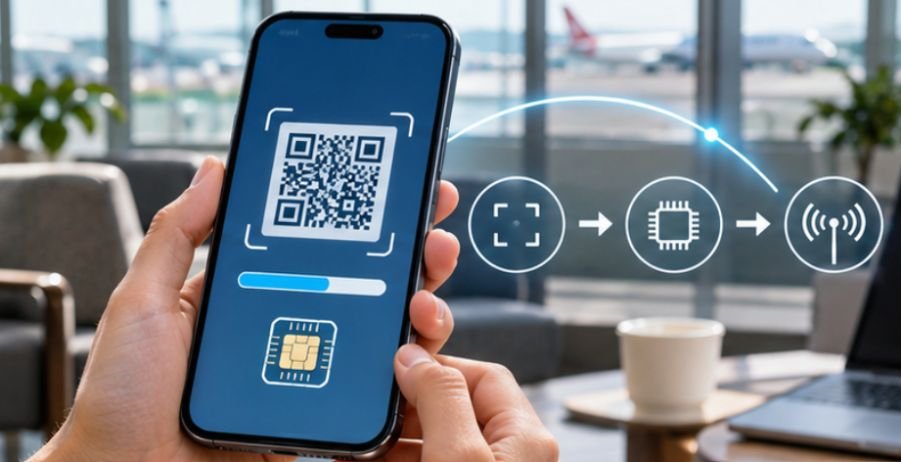
After payment, you’ll typically receive installation instructions through the app, email, or a QR code.
Step 2: Add the eSIM to Your Smartphone
On an iPhone, open Settings > Cellular > Add eSIM. Follow the instructions to scan the provider’s QR code or enter activation information manually.
On a Samsung Galaxy, the usual path is Settings > Connections > SIM Manager > Add eSIM.
Google Pixel users can generally find the option under Settings > Network & Internet > SIMs.
Exact menus depend on software versions.
Step 3: Label Your New Mobile Plan
Give the travel eSIM a recognizable name, such as “Europe Vacation” or “Japan Data.”
This makes it easier to distinguish between your American mobile number and international data connection.
Step 4: Verify the Activation Policy
Some providers begin the plan’s validity period immediately after installation, while others start when the eSIM first connects to a supported destination network.
Check this policy before installing.
If permitted, install the eSIM before departure but leave the travel line disabled until arrival.
Activate Your eSIM After Landing
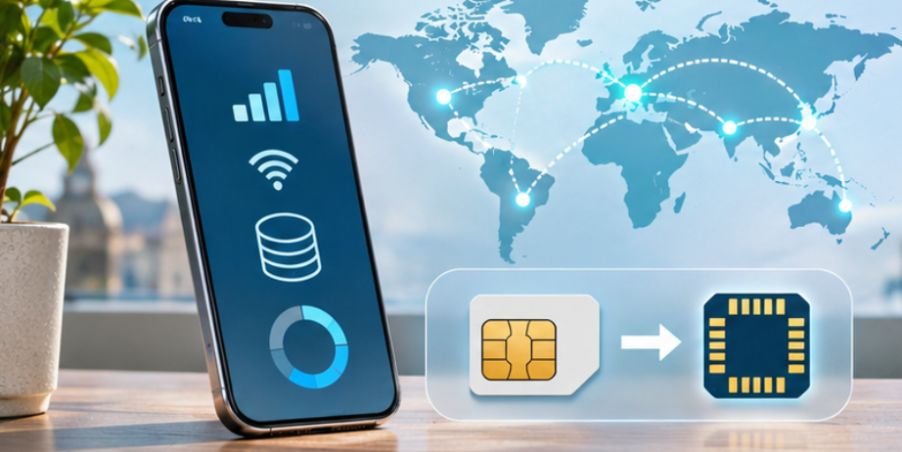
Once you reach your destination, complete the connection process through your smartphone’s cellular settings.
- Enable your installed travel eSIM.
- Select the travel eSIM as your cellular data line.
- Turn off data roaming for your American SIM.
- Enable data roaming on the travel eSIM if its provider requires it.
- Disable automatic cellular data switching to your home line where supported.
- Turn off Wi-Fi temporarily and test your internet connection.
Enabling roaming on the travel eSIM does not automatically create home-carrier roaming charges. However, keeping your American line active for calls or messages can still create charges depending on your carrier.
The U.S. Department of State’s international communication guidance recommends checking carrier coverage, considering international eSIM options, and preparing backup communication methods before traveling.
Avoid These Common eSIM Travel Mistakes
Assuming Every eSIM Includes Phone Calls
Many prepaid travel eSIMs support data only. Traditional calls and SMS messaging may be unavailable.
WhatsApp, Signal, FaceTime, and similar internet-based services can provide alternatives.
However, travelers needing ordinary voice calls or SMS verification should choose a plan that explicitly supports those features or maintain suitable service on their home line.
Forgetting About Hidden Roaming Charges
A separate travel data plan does not guarantee that your American carrier will never charge roaming fees.
Calls, voicemail activity, and messages through your home number may still carry charges.
Before departure, review your carrier’s international pricing and consider disabling your home line when regular calls and texts are unnecessary.
Relying Completely on Airport Wi-Fi
Airport internet is convenient but should not be your only connection strategy.
The Federal Trade Commission’s public Wi-Fi security guidance recommends using secure connections, keeping devices updated, and protecting online accounts.
A working travel eSIM offers another connectivity option when public Wi-Fi is unavailable or unreliable.
What to Do When Your Travel eSIM Stops Working

If your phone displays “No Service” or cannot load websites, try these troubleshooting steps:
- Confirm the eSIM is enabled and selected for cellular data.
- Verify that roaming is enabled on the travel line if required.
- Toggle airplane mode on for approximately 30 seconds, then switch it off.
- Restart your smartphone and check available network selections.
- Verify that your plan has remaining data and has not expired.
- Check whether the provider requires specific APN settings.
Avoid deleting the eSIM during troubleshooting unless customer support instructs you to do so. Some activation codes cannot be reused.
For additional protection, follow the FTC’s smartphone security recommendations by securing your device with a strong passcode and enabling recovery features.
Prepare a Backup Communication Plan
Even a correctly installed eSIM can lose coverage in remote locations.
Download offline maps, save accommodation addresses, and store emergency contact information before traveling.
American travelers can also register with the Smart Traveler Enrollment Program to receive destination-specific safety updates from U.S. embassies and consulates.
Remember that data-only eSIMs may not support ordinary emergency calls. Learn your destination’s emergency number and arrange an alternative calling method.
Frequently Asked Questions
1. Can I use my regular phone number with a travel eSIM?
Yes, many dual-SIM smartphones allow your regular number to remain active while the travel eSIM handles mobile data. However, home-carrier calling and messaging charges may apply.
2. Should I activate my eSIM before traveling?
Install it before departure when possible, but check your provider’s validity rules. Some plans begin immediately, while others start after connecting to a destination network.
3. Is an eSIM cheaper than international roaming?
Often, but not always. Compare the complete eSIM price with your American carrier’s international plan, including data limits, calling features, and any additional charges.
4. Can I use one eSIM in multiple countries?
Yes, if you purchase a regional or global plan covering those destinations. Single-country plans generally work only within their listed coverage areas.
Travel Connected Without the Complications
Knowing how to use eSIM card for international travel gives travelers more control over mobile connectivity and potential roaming expenses.
The process is straightforward: confirm phone compatibility, choose suitable coverage, install the digital SIM, and configure the correct data settings upon arrival.
Still, a travel eSIM is not a universal replacement for every mobile service. Coverage limitations, data restrictions, and traditional calling requirements deserve attention.
Before your next international flight, spend a few minutes reviewing your provider’s conditions and testing your phone’s setup. That small preparation can make navigating a new country considerably easier.